AI-Powered. Built for skydiving by a DZO, for DZOs.
AltiCut℠
End-to-End Drop Zone Media Management & Delivery Solution
Tandem videos and photos made profitable.
Shoot.Edit.Deliver.Monetize.
- Zero upfront cost
- Zero hardware to maintain
- Always the latest version
- No monthly memberships or subscriptions — only pay for what you use
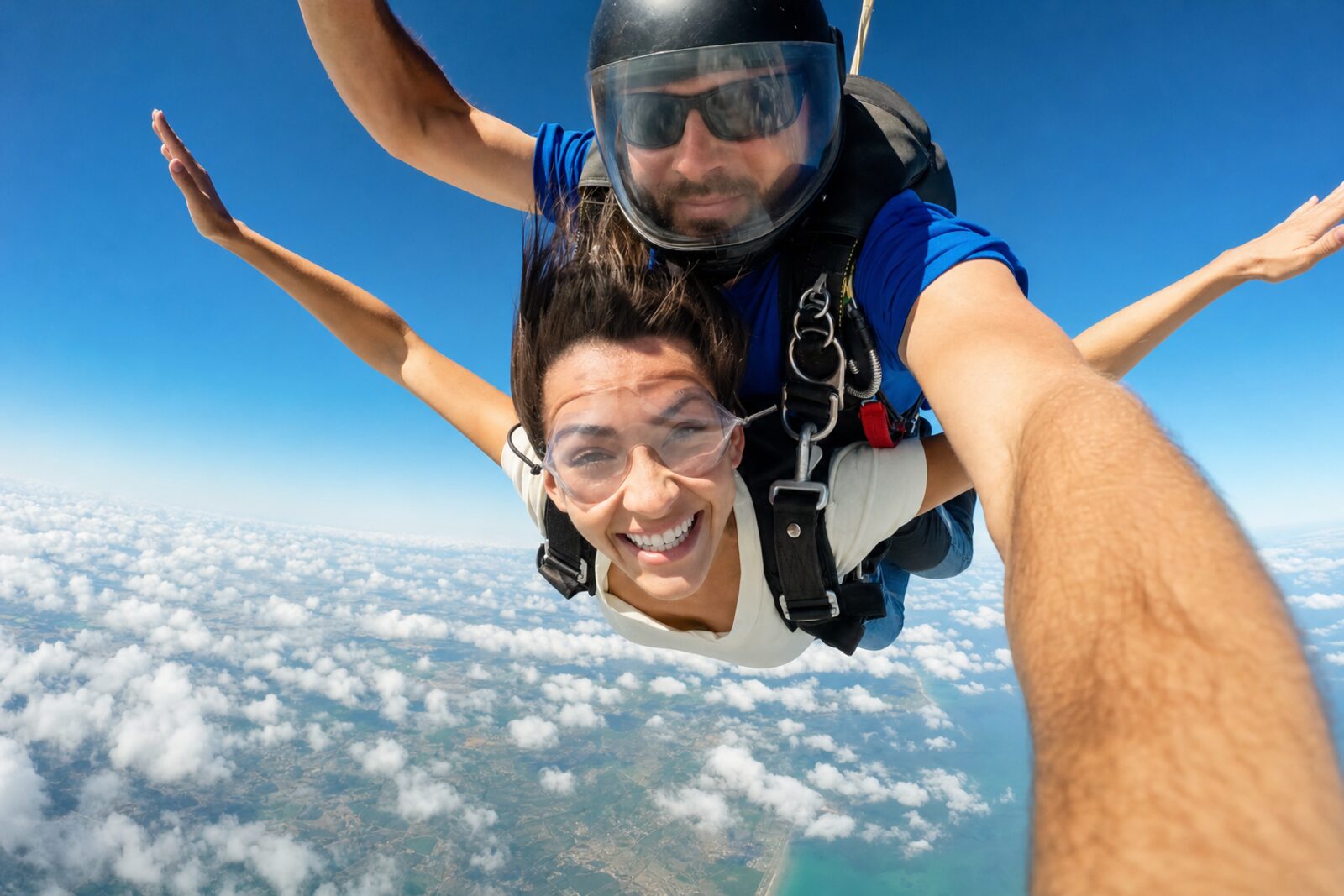
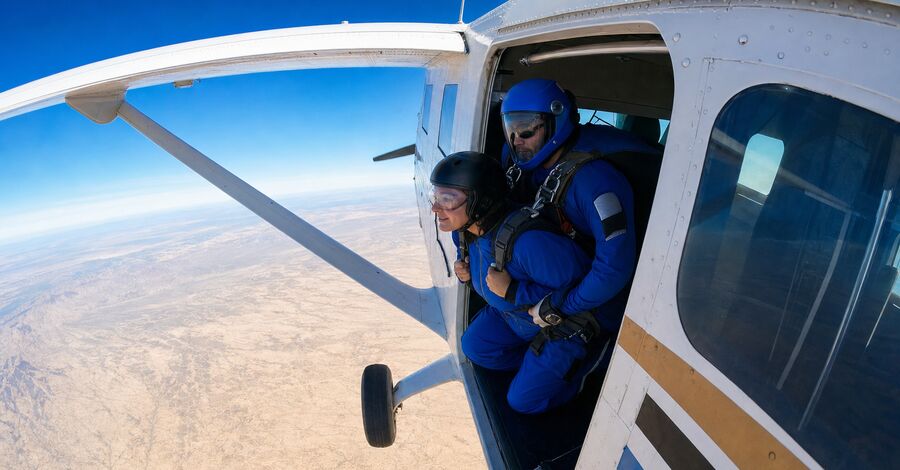
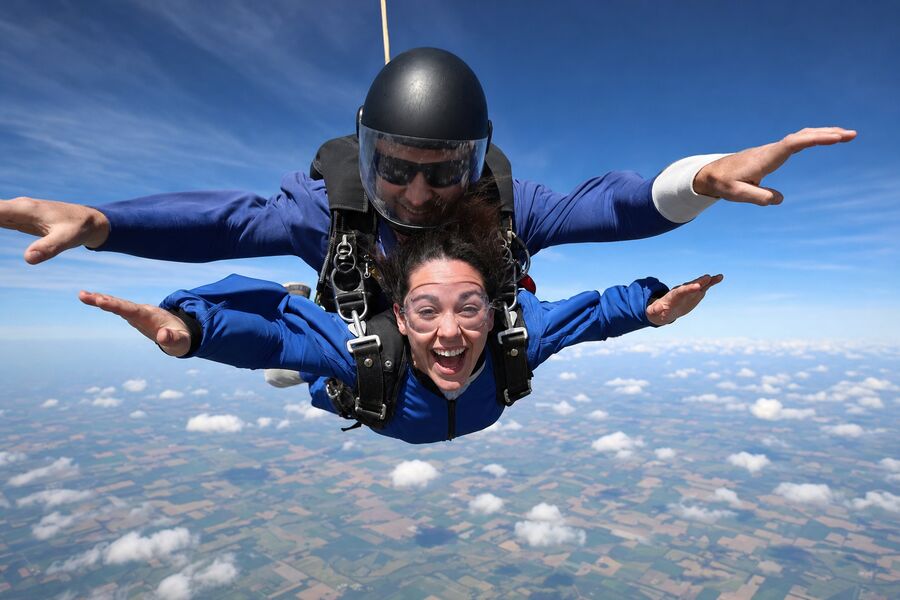
Every angle
+ its own sale
Multi-camera
Shoot with more than one camera
Hand camera, wing camera, outside video — upload every camera to the same jump and sell each angle on its own. More angles, more revenue from every jump.
- Every camera angle is its own sale — hand camera, wing camera and outside video, each at your own price
- Customers can add the wing camera after the jump — extra revenue from footage you already shot
- Upload every camera’s footage to the same jump
- Hand and wing camera edited into one film automatically — the climb and exit from the wing, freefall and canopy up close
- One soundtrack and your logo across the whole film
- Automatic editing of the outside video — coming soon
Work from anywhere
Your whole media desk fits in your hand
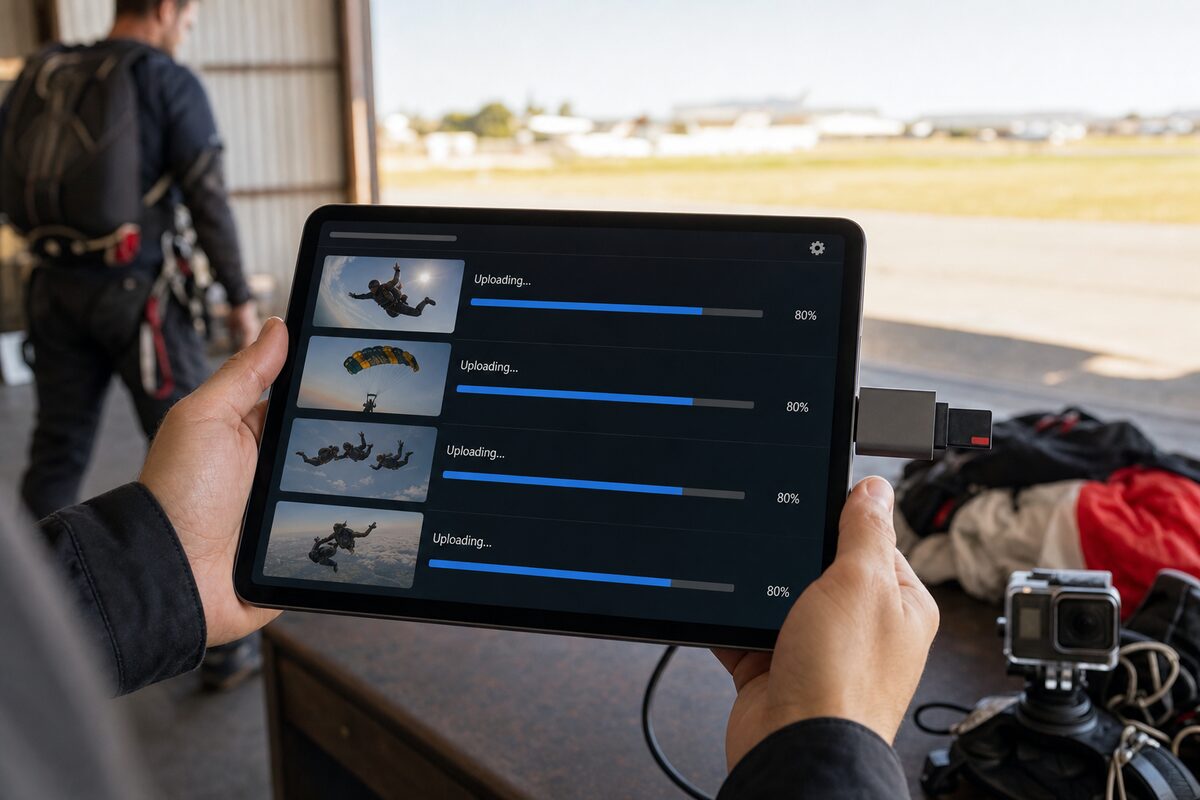
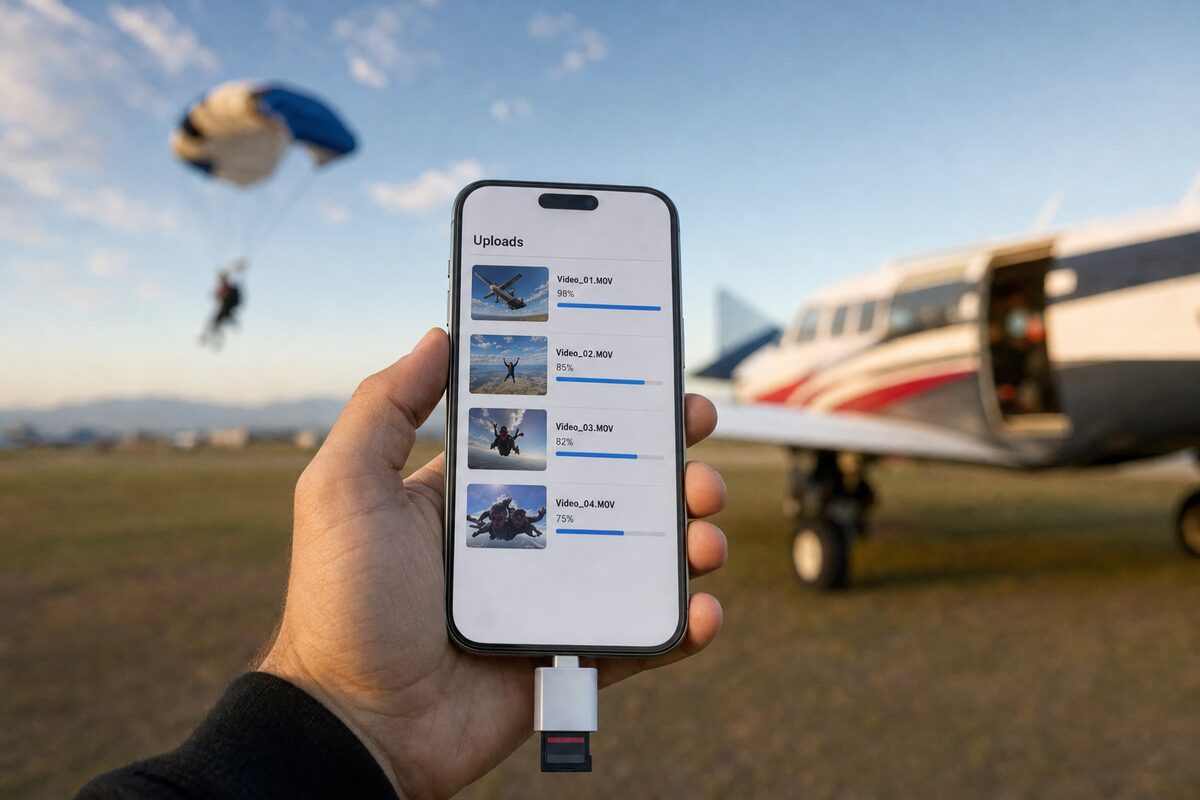
No office computer needed. Plug the SD card into an iPad or iPhone and run AltiCut℠ from the hangar, the landing area or home.
- Upload straight from the SD card on an iPad
- Deliver to customers from the same iPad, right at the counter
- Or use your iPhone to upload and run the whole operation
On-site delivery
Deliver to customer via email or on site via iPad or QR code
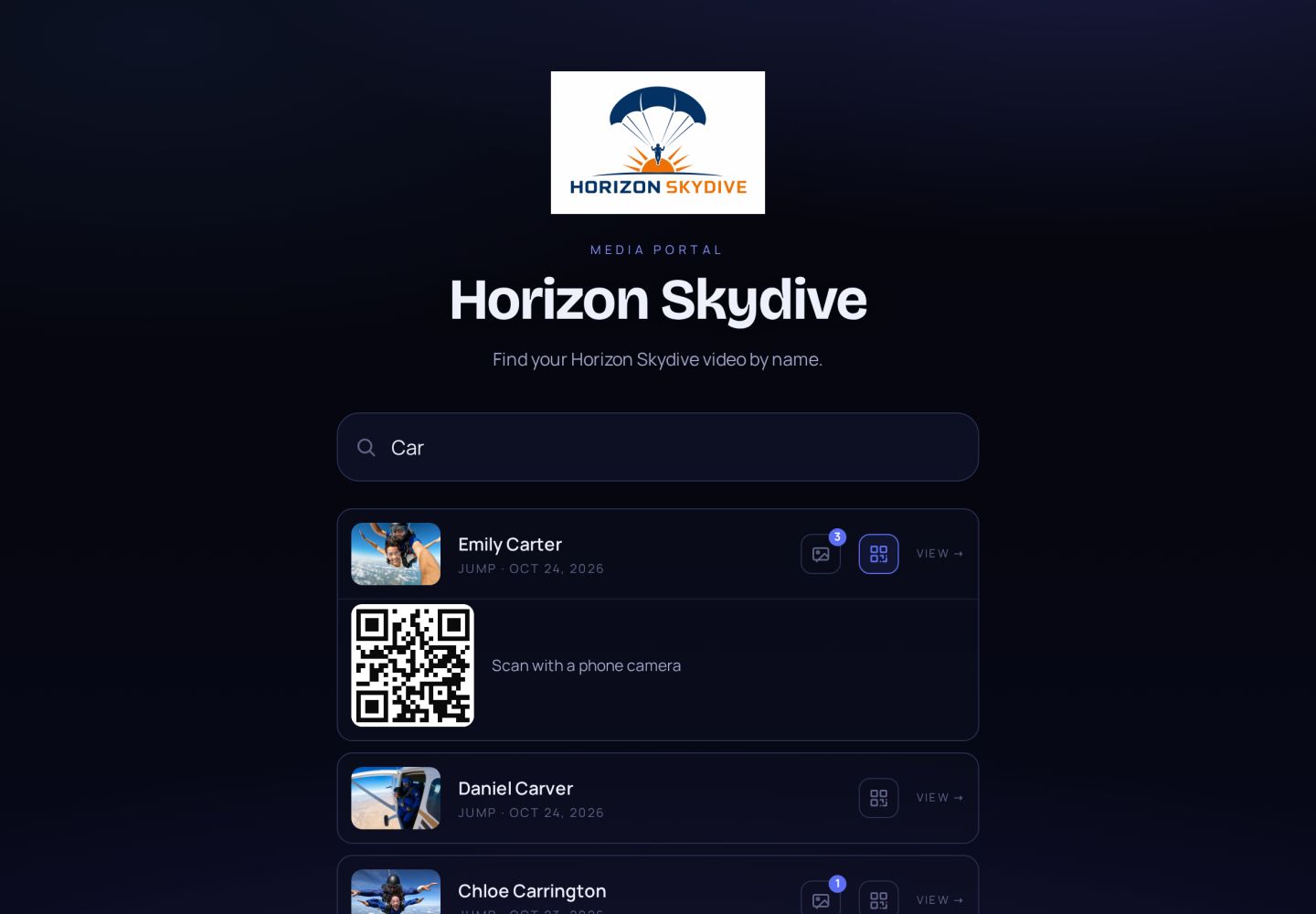
Put an iPad on the counter with your own media portal. Customers find their video by name, watch it on the spot and buy while the jump is still fresh.
- Customers type their name on your media portal and find their video in seconds
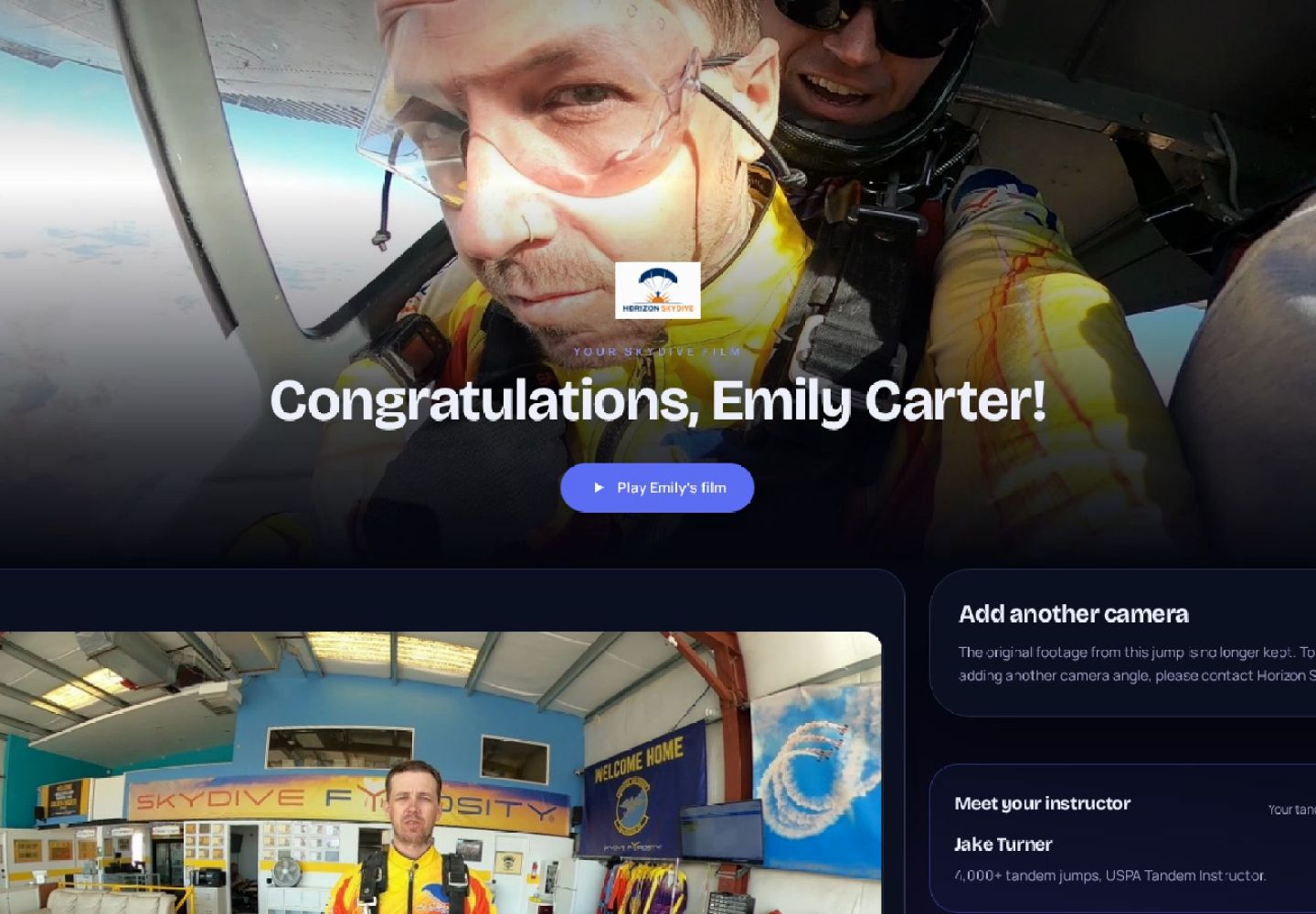
- One tap opens their delivery page — film, photos and extras, ready to buy
- Or they scan the QR code and take it home on their own phone
- The customer gets an email automatically the moment their video is ready
- No app, no account, no emailing files
Social clips, made for you
Short clips for social media — horizontal and vertical
Every jump also comes out as short, ready-to-post clips with the best moments. Nobody edits them — AltiCut℠ makes them automatically.
- Vertical 9:16 for Instagram Reels, TikTok and YouTube Shorts
- Horizontal 16:9 for YouTube and Facebook
- The frame follows the jumper, so nobody gets cut out
- Your drop zone’s logo on every clip
Extra revenue
Sell the raw footage too
The original camera files used to sit on a hard drive. Now they earn. Customers who bought their film can also buy the raw clips — a second sale from the same jump, with no extra work.
- Customers pick single clips or take every file at one bundle price
- You set your own prices
- The money goes straight to your own Stripe account
- Offered on the customer’s own video page — nothing to send by hand
Raw video files
Straight from the camera, full quality
- 01
Hand cam — exit & freefall
4K · 2 min 41 s
- 02
Wing cam — climb & door
4K · 6 min 12 s
- 03
Hand cam — canopy ride
4K · 4 min 05 s
Same jump
+ second sale
Ground photos
Tick the ones you want — clean photos download right after paying
 PREVIEW
Every photo
+ its own sale
Extra revenue
Sell your ground photos
The gearing up, the walk to the plane, the landing — your ground photographer’s shots become one more thing to sell, on the same page as the film.
- Upload the ground photos straight to the customer’s page
- Customers see them marked, then pick one, a few or all
- You set your own price per photo
- Paid to your own Stripe account — clean photos download instantly
Extra revenue
Sell the videos they didn’t buy on the day
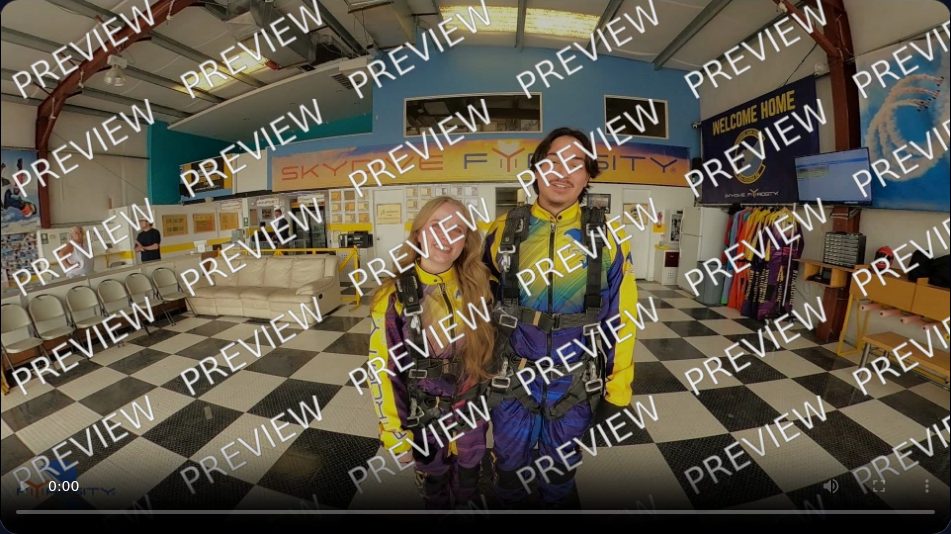
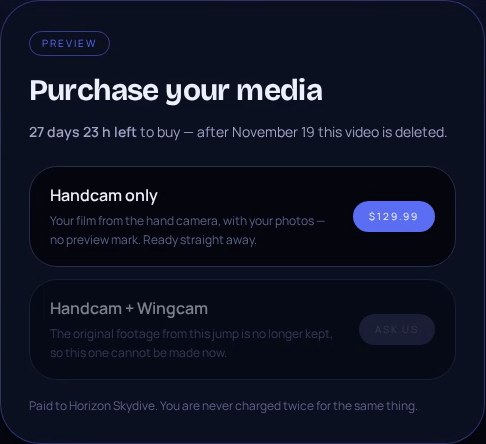
Not every customer buys before they leave. Their video isn’t lost — they get a watermarked preview they can watch at home and buy whenever they’re ready. Sales keep coming in long after they’ve left the drop zone.
- Every unsold video still reaches the customer as a watermarked preview
- They watch it at home and buy any time — the watermark comes off the moment they pay
- Automatic reminder emails, written in your own words, bring them back to buy
- You choose how long the preview stays up for sale
- Paid to your own Stripe account
Weekly reminder email
Your skydive video is still waiting for you
Customer extras
First-jump certificates and gift cards
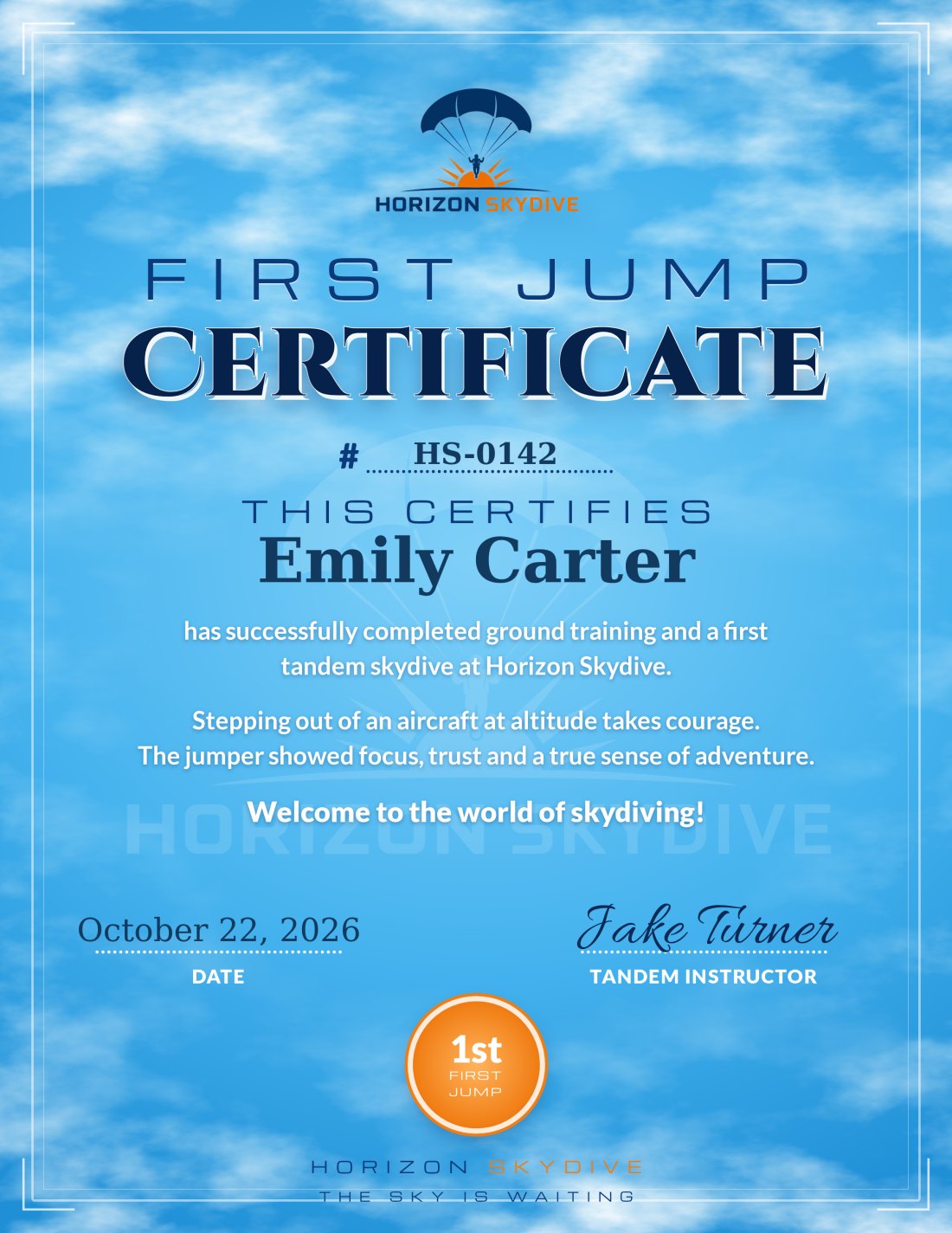
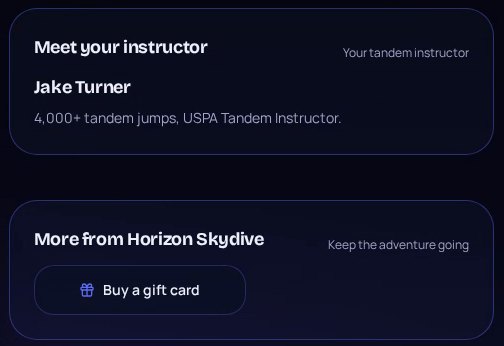
Every customer’s page comes with a certificate in their name — in your own design — ready to download and print — and one tap to your gift cards, so their friends are next on the plane.
- A first-jump certificate with the customer’s name, your drop zone and the jump date — filled in automatically
- Every certificate gets its own number, issued automatically
- Upload your own certificate design — front, back and your instructor’s signature — so it looks exactly the way you want
- We fill your design in automatically: the customer’s name, the jump date and the certificate number
- No design of your own? Use our classic certificate
- A “Buy a gift card” button takes them straight to your own gift card shop
- Add buttons to book a second jump or shop your merch
Your team
Meet your instructor
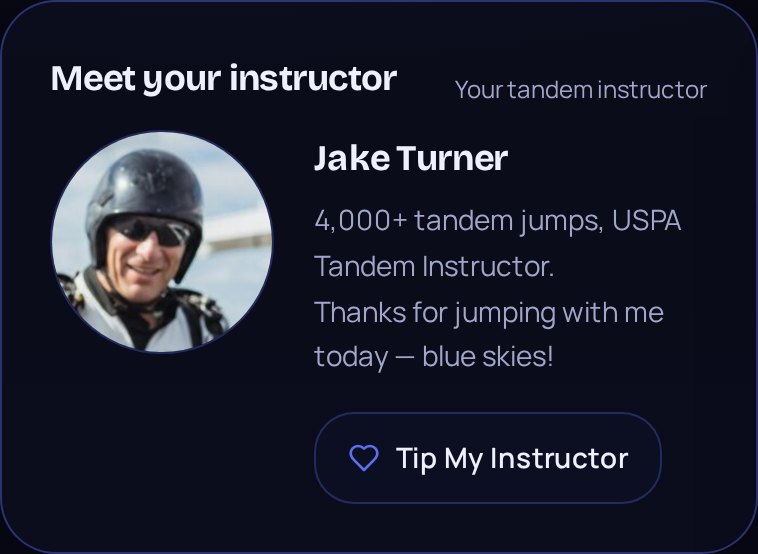
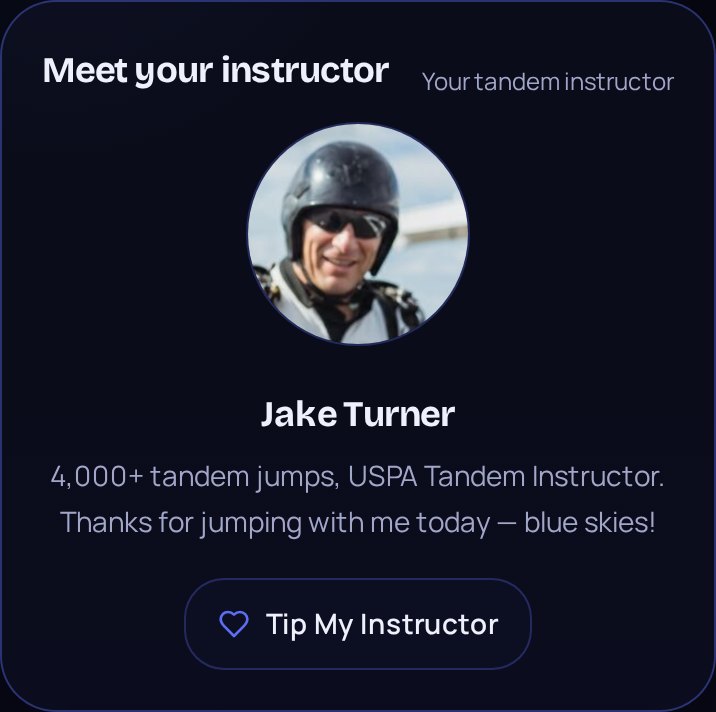
The person who took them out of the plane is part of the story. Every customer’s page introduces their instructor — face, name and a few words — so the jump feels personal long after they’ve landed.
- The instructor’s photo, name and a short bio on every customer’s page
- Pick the instructor when you create the video — their card appears automatically
- Set up your team once: each instructor saved with photo, bio and signature
- Their signature goes onto the jump certificate automatically
- Show or hide the instructor card on your pages any time
Tips
Let customers tip their instructor
Happy customers want to say thank you. One tap on their page sends a tip straight to the instructor who flew with them — no cash, no awkward moment at the counter.
- A “Tip My Instructor” button right under the instructor’s photo
- Each instructor adds their own tip link — Venmo, PayPal, Cash App or any payment page
- Tips go straight to the instructor — no cash at the counter, no one in between
- Customers tip from their own phone while the jump is still fresh
- A simple way to reward your instructors for every great jump
Reputation
Turn happy jumpers into 5-star reviews
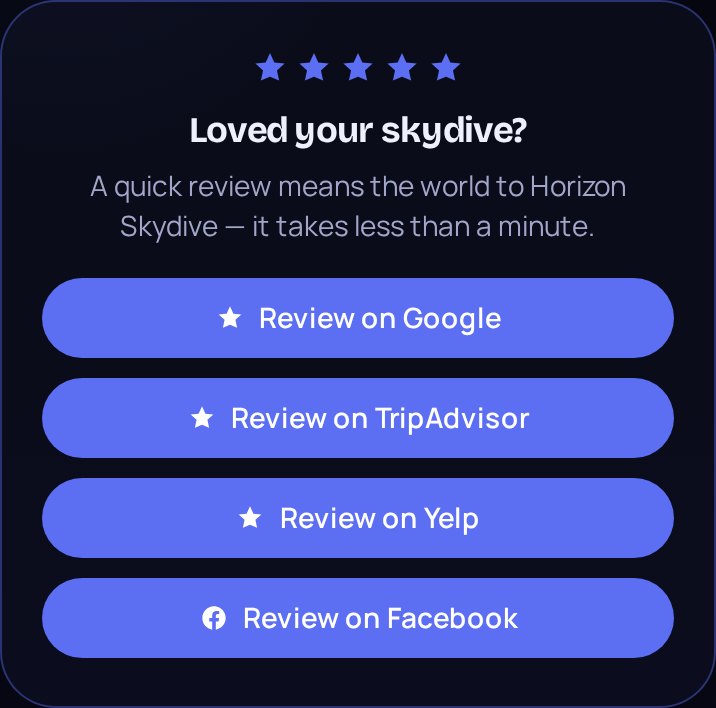
The best moment to ask for a review is while they’re watching their own skydive. Every customer’s page asks for one right then — and takes them straight to the review page in one tap.
- A “Loved your skydive?” card on every customer’s page
- One-tap buttons for Google, TripAdvisor, Yelp and Facebook
- Add only the sites you use — the others stay hidden
- Asked at the happiest moment, while they watch their film
- No review cards to hand out, no follow-up to chase
Pricing
Multi-tiered pricing
To accommodate your busy days or your slow days. Pick how fast your videos come back — and switch any time from your dashboard.
Economy
For your slow days
The lowest cost per video. Films take the longest to come back — right for quiet days and customers who aren’t waiting at the drop zone.
Standard
For most days
The middle ground. Films come back at a steady pace for a moderate cost — the right choice for most drop zones on most days.
Priority
For your busy days
The fastest we can make it. Every film goes on our biggest machine — for full loads and customers waiting to collect.
- Switch tiers any time from your dashboard
- A re-edit costs less than a new video
Clear pricing
You pay only for the videos we make
No subscription, no hardware and no share of your sales. One clear price per video — that’s the whole bill.
Pay per video
You pay only for the videos we make. A quiet day costs little; a day with no jumps costs nothing.
No subscription
No monthly membership, no contract and no upfront cost.
No hardware
Nothing to buy or maintain. Works on the iPad, iPhone or computer you already have.
No cut of your sales
Every sale is paid to your own Stripe account. We never take a share of what you sell.
Stripe’s standard card fees apply to your sales, as with any Stripe account.
Trusted by drop zones
Drop zones that deliver with AltiCut℠

How it works
Capture the experience — deliver the media
Three easy steps: shoot, upload, deliver. No late night edits, no backlog the next morning.
Fly and upload
Your camera flyers shoot the jump as usual and drop the raw files — hand cam, wing cam, ground photos — straight into AltiCut℠.
AltiCut℠ builds the film
The climb, the exit, freefall and canopy are cut to music, slowed where it counts, and wrapped in your branding. Nobody touches a timeline.
Your customer is already watching
They search their own name on your portal and stream or download the film in minutes — while they’re still on the drop zone and still buying.
The platform
Six pillars of the AltiCut℠ platform
Everything a drop zone needs between the camera and the customer’s wallet — in one place.
Media Ingestion
Camera uploads, cloud integrations, and automated media organization.
AI Video Production
Automated editing and professional video creation.
Photo Management
Photo processing, organization, and customer galleries.
Customer Delivery
Personalized media access, notifications, and downloads.
Media Commerce
Online media purchases, upselling, and monetization.
Business Management
Media operations, analytics, billing, and reporting.
Why drop zones switch
Built around how your drop zone actually sells
Your own branded portal
Your name, your logo, your colors on every page a customer sees. AltiCut℠ never appears in front of them.
Delivered while they’re still there
Films are ready minutes after the load lands — the window where video actually sells.
One scan, straight to their film
A QR code drops the customer on their own video. No accounts, no app, no emailing files.
Photos in the same handover
Ground and freefall stills land on the same page as the film, so it’s one sale and one link.
Questions
What drop zones ask us
What is AltiCut℠?
AltiCut℠ is an end-to-end media management and delivery solution for skydiving drop zones. Camera flyers upload the raw tandem video and photos, AltiCut℠ edits them into a finished film with the drop zone’s branding, and the customer watches, downloads and buys it on their phone minutes after the load lands.
How quickly does a customer get their skydiving video?
Minutes after the load lands. The film is cut to music, slowed where it counts and branded automatically, so the customer can watch it while they are still at the drop zone — the moment video actually sells.
How much does AltiCut℠ cost?
There is no upfront cost, no hardware to maintain and no monthly membership or subscription. The drop zone only pays for what it uses — the videos AltiCut℠ makes. Pricing is multi-tiered to fit busy days and slow days: Economy is the lowest cost, Standard suits most days, and Priority is the fastest. A drop zone can switch tiers any time, and a re-edit costs less than a new video.
Who receives the money when a customer buys their media?
The drop zone does. Customer payments go straight to the drop zone’s own Stripe account, and the drop zone sets its own prices.
What can a drop zone sell with AltiCut℠?
The edited tandem film, the photos, the original raw camera files (single clips or every file at one bundle price), ground photos, and each extra camera angle on its own — plus short ready-to-post clips for social media in vertical and horizontal formats. Customers who leave without buying can still buy later from a watermarked preview, and add extra camera angles or the raw files after the jump.
Can a customer still buy their video after leaving the drop zone?
Yes. Every unsold video reaches the customer as a watermarked preview they can watch at home. The watermark comes off the moment they pay, automatic reminder emails written in the drop zone’s own words bring them back, and the drop zone chooses how long the preview stays up for sale.
Does AltiCut℠ include a first-jump certificate?
Yes. Every customer’s page has a first-jump certificate with their name, the drop zone and the jump date, numbered automatically. A drop zone can upload its own certificate design — front, back and the instructor’s signature — or use the classic design. Buttons to the drop zone’s gift card shop, second-jump booking and merch sit right next to it.
Can customers meet and tip their tandem instructor?
Yes. Each customer’s page shows their instructor’s photo, name and a short bio, picked per video from the drop zone’s instructor list. A “Tip My Instructor” button opens the instructor’s own tip link — Venmo, PayPal, Cash App or any payment page — so tips go straight to the instructor.
How does AltiCut℠ help a drop zone get more reviews?
Every customer’s page asks “Loved your skydive?” while they watch their film, with one-tap buttons to the drop zone’s review pages on Google, TripAdvisor, Yelp and Facebook. The drop zone adds only the sites it uses; the others stay hidden.
Does AltiCut℠ work with more than one camera?
Yes. Hand camera, wing camera and outside video can all be uploaded to the same jump. Hand and wing camera footage is edited into one film automatically; automatic editing of the outside video is coming soon.
Do I need an office computer or special hardware?
No. Plug the SD card into an iPad or iPhone to upload, and deliver to customers from the same device — from the hangar, the landing area or home.
Do customers need an app or an account to get their video?
No. The customer scans a QR code or searches their own name on the drop zone’s branded portal and goes straight to their film, and gets an email automatically the moment their video is ready. AltiCut℠ never appears in front of them.
How does a drop zone get started?
Book a demo at alticut.com. Accounts are opened by invitation, and a drop zone can be set up in an afternoon.
Turn the drive home after the jump into another sale or upgrade
Set your drop zone up in an afternoon and deliver every media package minutes after the load lands.